

Figma training in Geneva and French-speaking Switzerland
Design your mockups before you have them built.
DKDP trains your teams on Figma, the tool that has become the standard for designing interfaces. Wireframes, mockups, clickable prototypes and design systems, on your real projects, at your offices.
Programme updated: August 2026
 Canva
Canva Figma
Figma WordPress
 Elementor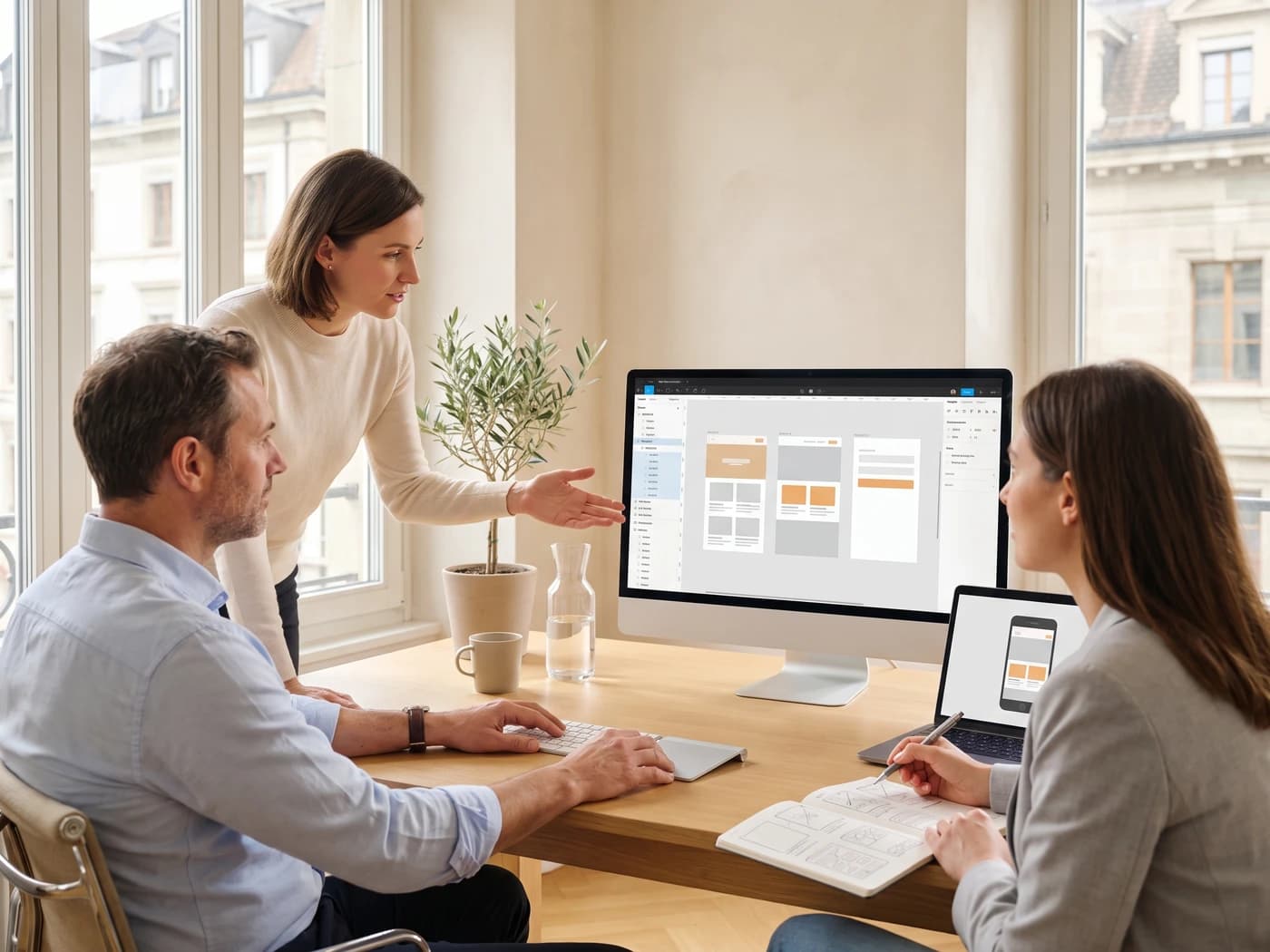
Free
To get started
Three shared files, with no end date
French
Interface available
Since October 2025
1 day
For a complete screen
Wireframe, mockup and prototype
On site
Geneva and the region
At your offices, on your files
Trusted by


Figma is the tool on which most websites and applications are now designed: screens are drawn there, assembled into clickable journeys, and handed over to developers. DKDP trains SMEs, startups and teams across Geneva and French-speaking Switzerland to use it on their own projects, from half a day to two days, at their offices.
Why train your team on Figma
Starting a digital project with no screens drawn means handing the interpretation of your needs to someone who does not know your business. The result is rarely bad technically. It is simply beside the point, and you find out at the moment when fixing it costs the most.
Once your team can produce mockups, the conversation changes. You stop describing an intention and start showing a screen. Your supplier prices development instead of pricing uncertainty, and the trade-offs happen while they are still free.
The three mechanics that make Figma
Auto Layout
Responsive without codeBest for
Frames that adapt on their own to the content and the screen size
What you gain
Mobile, tablet and desktop screens built in parallel
Components
Design systemBest for
Buttons, cards and forms reused across every page, with their variants
What you gain
One edit in one place, reflected everywhere
Prototypes
Clickable journeysBest for
Clicking from screen to screen to validate the experience before development
What you gain
Client demos, user testing, internal sign-off
Each one is applied directly to a real screen from your business.
Wireframe, mockup, prototype, design system
These four words describe four different things, and confusing them is expensive in meetings. Here is what each one covers, in the order you produce them.
Step 01
The wireframe
A wireframe is a black-and-white sketch that settles what goes where on a screen, with no visual decisions at all. No colour, no typeface, no imagery: only blocks and their hierarchy.
What it prevents
Arguing about the colour of a button while nobody agrees on the order of the sections.
Step 02
The mockup
A mockup is a faithful picture of the finished screen: real colours, real typography, real images, at the right dimensions. It is what the user will see, as a still image.
What it prevents
Discovering what your site looks like once it is being built, which is too late to change it cheaply.
Step 03
The prototype
A prototype links your mockups together so you can click from one screen to the next. It can be tested on a real phone before a single line of code exists.
What it prevents
Signing off a user journey from a screenshot, when only real use reveals where it stalls.
Step 04
The design system
A design system gathers your reusable pieces (buttons, cards, forms, colours, typography) together with the rules for using them. Editing the original updates every place it appears.
What it prevents
Starting from scratch on every new page, and ending up with five shades of orange on one site.
Figma, Canva, Adobe XD or Sketch
The question comes up in every scoping call, usually as “we already have Canva, isn’t that enough?”. The honest answer: it depends entirely on what you are producing.
| FigmaIndustry standard | CanvaMarketing visuals | Adobe XDEnd of life | SketchmacOS veteran | |
|---|---|---|---|---|
| Built for | Website and application interfaces | Posters, posts, presentations, documents | Interfaces, back when Adobe still invested in it | Interfaces, with a strong design culture |
| Working together | Real time, several cursors in the same file | Real time, very easy to pick up | File sharing, no true real-time editing | Collaboration bolted on later |
| Cost to start | Free for up to three shared files, with no end date | Free, with a Pro tier for brand assets | No longer sold separately | Paid from the very first mockup |
| Runs on | Browser, Mac and Windows, French interface available | Browser, mobile, Mac and Windows | Mac and Windows | macOS only |
| Handover to developers | Built-in Dev Mode, measurements and CSS taken straight from the file | None, that is not what it does | Spec sharing, development has stopped | Relies on third-party plugins |
| Our verdict | This is the tool we train on. Everything below follows from it. | Excellent for communication, unsuited to interface design. | Rule it out for a new project: the tool no longer receives features. | Solid, but it locks out every colleague on Windows. |
Figma
Industry standard
- Built for
- Website and application interfaces
- Working together
- Real time, several cursors in the same file
- Cost to start
- Free for up to three shared files, with no end date
- Runs on
- Browser, Mac and Windows, French interface available
- Handover to developers
- Built-in Dev Mode, measurements and CSS taken straight from the file
- Our verdict
- This is the tool we train on. Everything below follows from it.
Canva
Marketing visuals
- Built for
- Posters, posts, presentations, documents
- Working together
- Real time, very easy to pick up
- Cost to start
- Free, with a Pro tier for brand assets
- Runs on
- Browser, mobile, Mac and Windows
- Handover to developers
- None, that is not what it does
- Our verdict
- Excellent for communication, unsuited to interface design.
Adobe XD
End of life
- Built for
- Interfaces, back when Adobe still invested in it
- Working together
- File sharing, no true real-time editing
- Cost to start
- No longer sold separately
- Runs on
- Mac and Windows
- Handover to developers
- Spec sharing, development has stopped
- Our verdict
- Rule it out for a new project: the tool no longer receives features.
Sketch
macOS veteran
- Built for
- Interfaces, with a strong design culture
- Working together
- Collaboration bolted on later
- Cost to start
- Paid from the very first mockup
- Runs on
- macOS only
- Handover to developers
- Relies on third-party plugins
- Our verdict
- Solid, but it locks out every colleague on Windows.
Comparison as of August 2026. Adobe moved XD into maintenance and no longer sells it separately after the failed Figma acquisition.
Three levels, based on what your team has to produce
The content is set during scoping, against your projects. This breakdown is a starting point, not a catalogue.
Discovery
Who it is for
A team that has never opened Figma and needs to read and comment on a file.
Working level
Who it is for
A team that has to produce its own screens and hand them over cleanly.
Advanced
Who it is for
A product team maintaining an interface over time, not running a one-off project.
What your teams actually do with it
Redesigning the company website
You describe what you want to the agency, they propose something else, and three rounds later the budget has gone.
After the training
You arrive with the screens already drawn. The quote covers development, not interpretation.
Launching an internal application
The project goes into development on the strength of screenshots and a spec sheet no two people read the same way.
After the training
The journey gets tested on a real phone before the first line of code. Mistakes are fixed while they still cost nothing.
Holding a brand together over time
Every asset starts from a different file, and five shades of the brand colour coexist across official documents.
After the training
A shared library becomes the reference. Changing the colour at the source updates it everywhere, with no file-by-file pass.
Preparing a tender
You need internal sign-off on a direction, but there is nothing to show, only a text document.
After the training
A mockup and a clickable prototype make the decision possible. People judge what they see, not what they picture.
Documenting a technical interface
Your developers rebuild operational screens from verbal instructions and hand-annotated screenshots.
After the training
Dev Mode supplies measurements, colours and exports. The specification becomes readable without being a designer.
Taking back control from a supplier
Every change goes through an email, a call, then an invoice, because you cannot show anything yourself.
After the training
You produce the proposed screen in house. The supplier executes instead of interpreting, and you keep control.
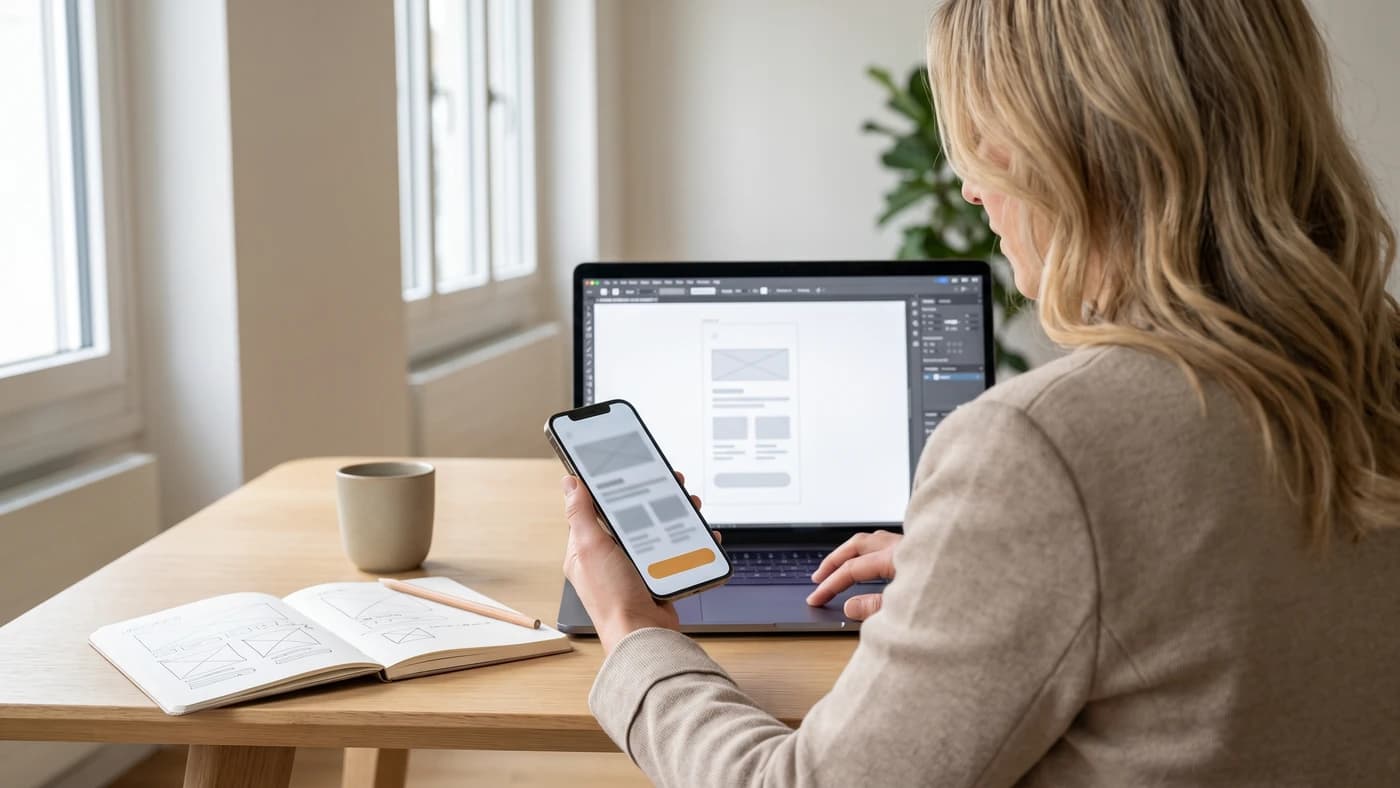
A journey you can test before it exists
By the end of the day your screens are not images in a slide deck. They are linked together, they open on a phone, and they can be walked through like a real application.
That is when the flaws show up: one step too many, a button nobody finds, a form that is too long. Fixing them takes a few minutes in Figma. After development, it takes a quote.
Why we do not run off-the-shelf sessions
Most Figma courses in the region are taught in a classroom, on fixed dates, using an invented exercise. That format exists and works for discovering a tool. It is not the one we chose.
An off-the-shelf classroom session
The most common format in French-speaking Switzerland
- A fixed date, set months in advance
- A made-up exercise: rebuilding the screens of an invented app
- Ten participants from ten different companies
- One pace, imposed on the whole room
- An exercise file nobody will ever open again
- Every colleague travelling there, on company time
A DKDP session inside your company
The format we work in
- Dates that fit your calendar and your quieter weeks
- Your real screens, your real brand, your real content
- Your team alone, leaving with shared vocabulary
- Your team’s pace, with one-to-one time along the way
- A Figma library in your own brand, usable the next morning
- We travel, to your offices in Geneva or anywhere in the region
Who Figma training is for
Marketing and communication leads
Project and product managers
Founders and SME leadership
Developers moving into design
Executive assistants and internal teams
Technical offices and engineering teams
Graphic designers moving to interfaces
Independents running their own site
How a session unfolds
Scoping beforehand
A conversation before the session to identify your projects, your brand and the team’s real starting level. The content is built on that.
Structure and wireframes
Design principles, then your screens laid out in low fidelity. Journeys get validated before any visual decision.
Mockups and components
Auto Layout, reusable components and a library in your brand. Your screens move to high fidelity, responsive.
Prototype and handover
A clickable journey testable on a phone, and Dev Mode set up for your developers or your supplier.
A working Figma practitioner,
not a generalist trainer.
We do not put an office-software trainer in front of a Figma file. Figma sessions are led by a practising interface designer, whose full profile is sent to you before the first session, along with their work.
Google rating 5.0/5, 22 reviews on the DKDP listing
They design interfaces that ship
Not only ones they teach. They work on real projects, with real deadlines and real trade-offs, and that is what they pass on.
They speak to developers
Handover matters as much as drawing. The trainer is used to working with technical teams, including outside the web.
You approve before committing
Their profile, background and sample work reach you when the dates are set. Nothing is decided sight unseen.
Figma training pricing
The price depends on the number of participants and the duration. Half a day, a full day or two days, at your offices or remotely.
Half-day
3h of training + 1h of preparation
Programme tailored to your needs. Request a quote
Full day
6h of training + 2h of preparation
Programme tailored to your needs. Request a quote
The programme is tailored for each company. Free quote within 48h
Figma training in Geneva and across French-speaking Switzerland
DKDP is based in Geneva, in the Eaux-Vives district, and travels to your offices anywhere in French-speaking Switzerland. Travel is included in the rate for the canton of Geneva and its surroundings, and quoted separately beyond that. For teams spread across several sites, the session can run remotely, with the same exercises on the same files.
Your questions about Figma training
Let's talk about your project
15 minutes, free of charge, and we tell you honestly whether we can help, and how.
No commitment · Reply within 24h · Eaux-Vives, Geneva or by video call